

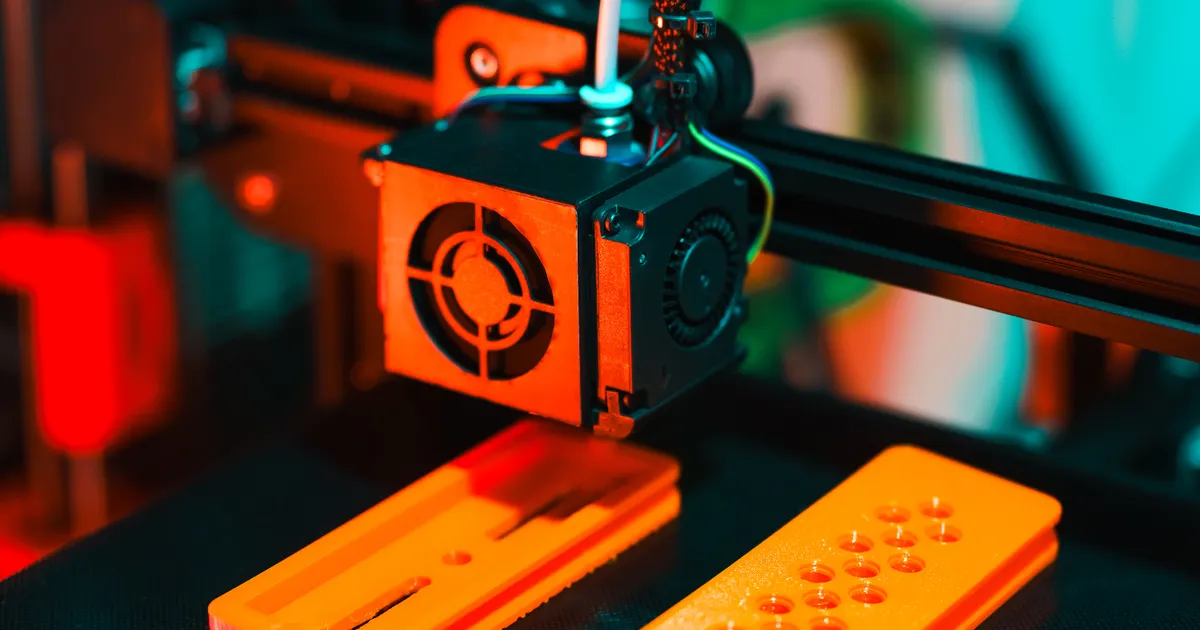
STL and DICOM are two different file formats used in dental diagnostics and CAD/CAM work. DICOM is the medical image/tomography file produced by X-ray, panoramic and CBCT machines — it shows the internal structure of bone and teeth. STL, on the other hand, is a 3D surface model file obtained with an intraoral scanner (or a desktop scanner) — it stores the external shape of the teeth, the prosthesis or the crown in three dimensions. For implant, orthodontic, prosthodontic and maxillofacial surgical planning, both are usually used together.
What each format essentially is
- DICOM (Digital Imaging and Communications in Medicine): a volumetric image based on voxels (3D pixels). Along with grey-scale data, each voxel carries coordinate and dose information. More detail: What is DICOM?.
- STL (Standard Triangle Language / STereoLithography): a three-dimensional surface mesh file. The surface is built from triangles. It carries no colour, texture or clinical metadata — only shape.
A simple analogy:
- DICOM = MRI/tomography (the slice that shows your internal structure);
- STL = a 3D printer or CAD model (the external shape of the object).

Their sources are different
An STL file usually comes from the following devices:
- Intraoral scanner (e.g. iTero, Medit, 3Shape TRIOS, Primescan) — digitally scans the inside of the patient's mouth;
- Desktop model scanner — the model cast in plaster is scanned in the laboratory;
- Face scanner — for creating a 3D model of the face;
- From CBCT segmentation (sometimes) — the teeth within a CBCT scan can be segmented with software and exported as an STL.
A DICOM file, meanwhile, comes from:
- Digital X-ray machines;
- Panoramic and cephalometric machines;
- CBCT and medical CT systems;
- MRI and ultrasound devices.
What does each store?
- DICOM: image data + metadata (patient, device, dose, technical parameters);
- STL: only 3D geometry (triangles). There is no colour and no clinical metadata.
For this reason an STL file, together with XML, resembles OBJ or PLY files; for colour and texture, PLY or OBJ+MTL is usually used.
Using them together in the clinic (superimposition)
In digital surgical and prosthetic planning, STL and DICOM are frequently merged into the same coordinate system:
- A CBCT scan is taken of the patient → the internal structure of the bone and teeth is in DICOM;
- The mouth is scanned with an intraoral scanner → the external shape of the teeth is in STL;
- The planning software (e.g. coDiagnostiX, Blue Sky Plan, exoplan) superimposes both files;
- As a result, the dentist positions the implant in the bone seen in the DICOM data and can prepare the crown to match the natural tooth shape captured in the STL;
- The design of the surgical guide and its 3D printing come precisely from this merged data.
This process is called guided surgery, and its accuracy is higher than freehand work.
File size and processing
- DICOM (CBCT): 100 MB — 3 GB. It usually consists of a large number of slice files and a
DICOMDIRindex. - DICOM (periapical, panoramic): 5–50 MB.
- STL (a single arch scan): 20–100 MB.
- STL (full mouth): 100–200 MB.
STL files can be compressed geometrically and sent as .stl.gz or .zip; DICOM compression, however, must be lossless so that no diagnostic information is lost.
Which software opens which?
- For DICOM: RadiAnt, Horos, OsiriX, Invivo6, Blue Sky Plan, coDiagnostiX;
- For STL: Meshmixer (free), exocad, 3Shape Design Studio, Chitubox and other 3D print slicers, Blender (free);
- For both together: coDiagnostiX, Blue Sky Plan, exoplan, 3Shape Implant Studio, Cerec.
What difference does it make for the patient?
A patient usually hears about one or both of the following files:
- For an implant, DICOM (CBCT) is sent to the clinical surgeon;
- For prostheses and crowns, STL is sent to the dental laboratory;
- For orthodontic aligner planning (e.g. Invisalign, Spark), STL and sometimes DICOM are used.
To check whether the files you have received are in the correct format, always ask the clinic for them separately as DICOM (CBCT) and STL (intraoral scan).
Which format lasts over time?
DICOM is a medical standard and will not change over the years. STL is an open and widely accepted format, and its equivalents (OBJ, PLY, glTF) perform roughly the same function. Our clinic's archive stores both formats on a single encrypted server and hands them over to the patient in the format requested.
Conclusion
- DICOM — the medical tomography file that shows the internal anatomy;
- STL — the 3D model file that shows the external shape of the teeth.
The two do not replace each other — they work together. The work of the implantologist, the orthodontist and the prosthodontist consists of synchronising these two formats.
For a digital workflow in Baku (CBCT + intraoral scan + planning), you are welcome to contact our clinic.
Book an appointment: Online appointment form
Frequently asked questions (FAQ)
1. Can a diagnosis be made from an STL file?
No. An STL shows only the shape; it does not show decay, root canals or bone structure. A diagnosis requires DICOM (X-ray/CBCT).
2. Can an STL file be printed on a 3D printer?
Yes. STL is the standard format for 3D printing. Surgical guides, models and occlusal splints can be printed.
3. Is it possible to export an STL from DICOM?
Yes, with segmentation software (e.g. 3DSlicer, Blue Sky Plan) the bone or the teeth can be exported from a CBCT scan as an STL.
4. Which file does the orthodontist ask me for?
For orthodontic treatment, the DICOM of the panoramic and lateral cephalometric X-rays and the STL of the intraoral scan are requested. Sometimes a CBCT is added as well.
5. Can STL and DICOM be supplied on the same USB stick?
Yes. In most cases the clinic hands over both files in separate folders on the same USB stick. The folders are clearly labelled so that the formats do not get mixed up.
Author: Dr. Bakhtiyar Aliyev — dentist. This article has been reviewed by a dentist (last updated: 2026-07-06).
This article is for general information only and does not replace an individual diagnosis, examination or treatment. Consult a doctor for a decision about your case.